
What is robots.txt? How to check yours and what AI search needs to know
A robots.txt file is a plain text file at the root of your website that tells crawlers which URLs they can access. For a therapy website it is worth checking, because a single wrong line in it can ask crawlers to skip pages you want found by Google and by AI search tools.
If we haven't crossed paths before, I'm Natalia, the founder of a boutique web design and SEO agency for therapists and private practice owners across the US. My mission is to help your website work as a 24/7 referral engine, so you can log off and still wake up to new inquiries. I have been in business for over 7 years, I have served 100+ clients, and I have managed over 900 URLs for other people's practices, so the technical files behind a site are part of my daily work. I have not run my own controlled tests on how AI tools treat this file, so what follows comes from Google's and OpenAI's own documentation, plus my opinion.
You may have heard that your robots file could be blocking Google or ChatGPT, and you have no idea where that file even lives. That is a fair place to be. Here is what the file is, how to check yours in about a minute, and what to know about it for AI search.
Key takeaways
- Google says robots.txt must be located at the root of the site host, and a site can have only 1.
- Google says a robots.txt file is used primarily to manage crawler traffic. Google also says don't use a robots.txt file as a means to hide your web pages from Google Search results.
- Google says it is up to the crawler to obey the rules, so the file is a request.
- Google says a page must be indexed and eligible to be shown in Google Search with a snippet to appear as a supporting link in AI Overviews or AI Mode.
- OpenAI says sites opted out of OAI-SearchBot will not be shown in ChatGPT search answers. OpenAI says disallowing GPTBot indicates a site's content should not be used in training its models.
What is robots.txt?
A robots.txt file is a short text note that tells automated visitors, called crawlers, which parts of your site they may visit. Google describes it as a file that tells search engine crawlers which URLs the crawler can access on your site.
Google's documentation on creating a robots.txt file sets out the basics. The file must be named robots.txt and sit at the root of the site host. It must be a UTF-8 text file, and a site can have only 1. The rules apply only to the protocol, host and port where the file is posted, so a subdomain needs its own file.
Google supports 4 lines you will see over and over:
| Line | What it does according to Google |
|---|---|
| User-agent | Names the crawler that the rule applies to. Google lists it as required in every group of rules |
| Disallow | Blocks the paths you list from crawling by that crawler |
| Allow | Names a directory or page that may be crawled, which can override a Disallow |
| Sitemap | Gives the location of your sitemap file |
Sources: all 4 rows come from Google's documentation on creating a robots.txt file.
Here is a sample I made up for illustration. It asks every crawler to skip a folder and points to the sitemap.
User-agent: *
Disallow: /private/
Sitemap: https://www.yoursite.com/sitemap.xml
What can robots.txt control, and what can it not do?
Robots.txt controls which URLs a crawler is asked to visit. Google says the file is used primarily to manage crawler traffic to your site, and for web pages that mostly means avoiding overload on your server. Google says Disallow blocks specified paths from crawling. Picture a made up site whose file asks all crawlers to skip the folder holding its service pages. Those pages would be asked to stay unvisited.
Several limits come straight from Google's introduction to the file:
- Google says don't use a robots.txt file as a means to hide your web pages from Google Search results. Google points to password protection or the noindex tag for that job.
- Google says a page that's disallowed in robots.txt can still be indexed if linked to from other sites.
- Google says different crawlers interpret syntax differently.
- Google says rules may not be supported by all search engines, because it is up to the crawler to obey them.
Put together, the file works as a courtesy request to well behaved crawlers. Anything truly private belongs behind a login, and client information has no place on a marketing website.
How do I check my robots.txt?
Type your domain followed by /robots.txt into a browser, such as yoursite.com/robots.txt. The file is public text, so you can read it like any other page.
- Look for User-agent lines. Each one starts a group of rules for the crawler it names, and an asterisk means the group is for crawlers in general.
- Read the Disallow lines under each group. Disallow followed by a single slash asks that crawler to skip the whole site, so ask whoever manages your site about it right away.
- Look for Allow lines, which carve exceptions out of a Disallow. Google's specification page says crawlers use the most specific rule based on the length of the rule path, and that path values are case sensitive.
- Find the Sitemap line, which tells crawlers where your list of pages lives.
- Most sitebuilders generate this automatically so don't obsesses about the technical caveats this post is just technical explanatory
What happens if my robots.txt is missing or broken?
If you see an error page, Google's specification says it treats 4xx errors, apart from 429, as if a valid robots.txt file didn't exist, which means Google assumes there are no crawl restrictions.
A server error has its own handling. The specification says that when robots.txt returns one, for the first 12 hours Google stops crawling the site but keeps trying to fetch the file. If it still cannot fetch a new version, Google uses the last good version for the next 30 days.
How long does a change take to show up?
Google says it generally caches the contents of the robots.txt file for up to 24 hours, so check the file again the next day after any edit.
Once you can read the file, the next step is learning the other terms that decide how bots read your site. I made a free on page SEO dictionary for exactly this.
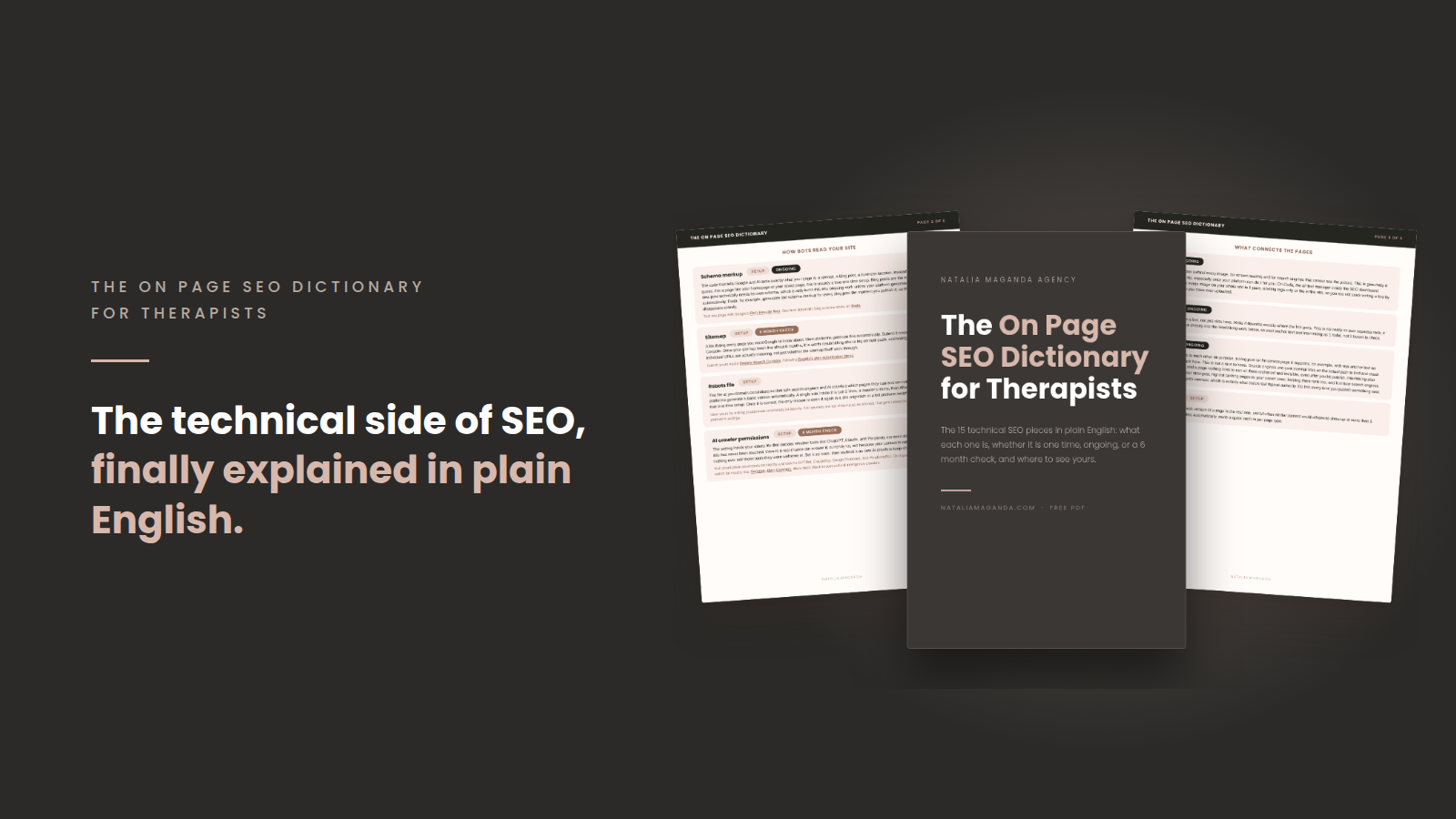
Get my free on page SEO dictionary, look up the robots file, sitemap and schema entries in plain language, and tick off what your site already has.
What do I need to know about robots.txt for AI search?
You need to know 3 things: what Google says about its AI features, what each AI crawler name does, and what stays unconfirmed. I will not promise that any robots.txt setting earns you a mention, because the sources I opened make no such promise.
What does Google say about AI features and robots.txt?
Google's AI features page says a page must be indexed and eligible to be shown in Google Search with a snippet to appear as a supporting link in AI Overviews or AI Mode. It also says robots.txt directives for Googlebot is the control for site owners to manage access to how their sites are crawled for Search.
Because Disallow blocks crawling and a page must be indexed to appear in these features, the file belongs on your checklist. My guide on getting cited by ChatGPT and AI Overviews with your therapist website picks up where this leaves off.
Which AI crawlers have names I can use in robots.txt?
AI companies run their own crawlers, and each one has a name you can use in a User-agent line. This table comes from OpenAI's bot documentation and Google's common crawlers documentation.
| Name | Who runs it | What it is for | What disallowing it means |
|---|---|---|---|
| OAI-SearchBot | OpenAI | Used to surface websites in search results in ChatGPT's search features | Sites opted out of OAI-SearchBot will not be shown in ChatGPT search answers |
| GPTBot | OpenAI | Used to make OpenAI's generative AI foundation models more useful and safe | Disallowing GPTBot indicates a site's content should not be used in training generative AI foundation models |
| ChatGPT-User | OpenAI | Handles actions that a user starts in ChatGPT and Custom GPTs | Because a user starts the action, robots.txt rules may not apply |
| Google-Extended | A token that manages whether crawled content may be used to train future Gemini models and for grounding in Gemini Apps and Vertex AI | Google says it does not impact a site's inclusion in Google Search and is not a ranking signal |
Sources: the first 3 rows come from OpenAI's bot documentation, and the Google-Extended row comes from Google's common crawlers documentation.
OpenAI also says it can take about 24 hours after a robots.txt update for its systems to adjust. OpenAI adds that ChatGPT-User is not used to determine whether content may appear in Search.
Should I change my robots.txt?
Read it first and change nothing until you know who wrote each line. In my opinion, the robots file is one of the quiet pieces of how bots read a site, alongside the sitemap and schema markup. I build agency sites on Duda because the robots file, schema markup, image compression and alt text generate automatically there, which takes work off an owner's plate. If your site is on another platform, ask the platform how its robots file is generated before you edit anything by hand.
Blocking AI training is a privacy choice, and I will not push a single answer. Some owners want their writing kept out of training data, and others want the widest reach. OpenAI says disallowing GPTBot indicates a site's content should not be used in training its models, and Google documents Google-Extended for training future Gemini models. Choose on purpose, then check the file again the next day.
Once the file is in good shape, the next wins come from indexing, clear pages and reputation, which my SEO guide for therapists, ChatGPT and AI authority walks through.
Frequently asked questions
Can robots.txt keep a page out of Google?
Google says don't use a robots.txt file as a means to hide your web pages from Google Search results. Use a noindex tag or password protection for a page you want out of results.
What happens if my site has no robots.txt file?
Google's specification says it treats a missing file, a 4xx error other than 429, as if a valid robots.txt file didn't exist. In that case Google assumes there are no crawl restrictions.
How long does a robots.txt change take to work?
Google generally caches the contents of the robots.txt file for up to 24 hours, and OpenAI says it can take about 24 hours for its systems to adjust. Check the file again the next day.
Do I need an llms.txt file?
Google's John Mueller wrote in a June 17, 2025 Bluesky post, "FWIW no AI system currently uses llms.txt." Google's AI features documentation says you don't need to create new machine readable files, AI text files, or markup to appear in these features.
Want this off your plate?
Everything in this post can be done by you. It also competes with your caseload, your family and the evening you were hoping to have back, and a robots file is a small item in a long list of technical details that make up a working website.
As a therapist website designer who also runs the SEO, I look at the robots file, the sitemap and indexing as part of how I build and manage a site. If you want someone to keep those details healthy, website management covers the ongoing care, and my SEO for therapists and SEO for private practices work covers the pages and authority that make a practice easy to recommend.
If that sounds like a weight you would like to set down, you can apply to work with me. No pressure, just a conversation about what would take the most weight off your desk.
* AI Disclosure: This content may contain sections generated with AI with the purpose of providing you with condensed helpful and relevant content, however all personal opinions are 100% human made as well as the blog post structure, outline and key takeaways.
* Affiliate Disclosure: Some of the links on www.nataliamaganda.com may contain affiliate links meaning that I will get a commission for recommending products at no extra cost to you.

hello! i'm natalia maganda
The website manager for therapists and private practices that you didn't know existed.
We build and manage the 20+ page website that ranks in your city, reflects the depth of your work and books cash-pay clients with ease.
A done for you website management system that lets your practice grow without costing you your energy, your weekends, or your nervous system.